06. [IBM] Launch IBM Cluster and Notebook
Launch IBM Cluster and Notebook
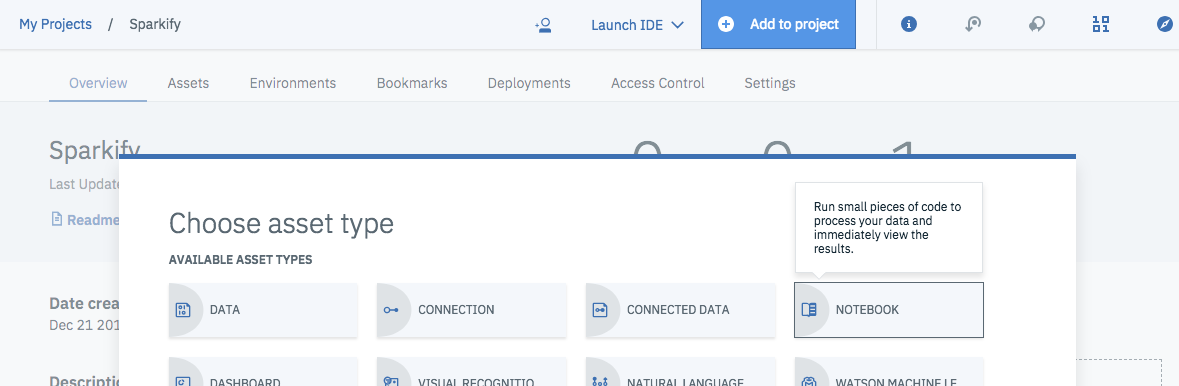
Click "Add to project" on the top and select "Notebook"
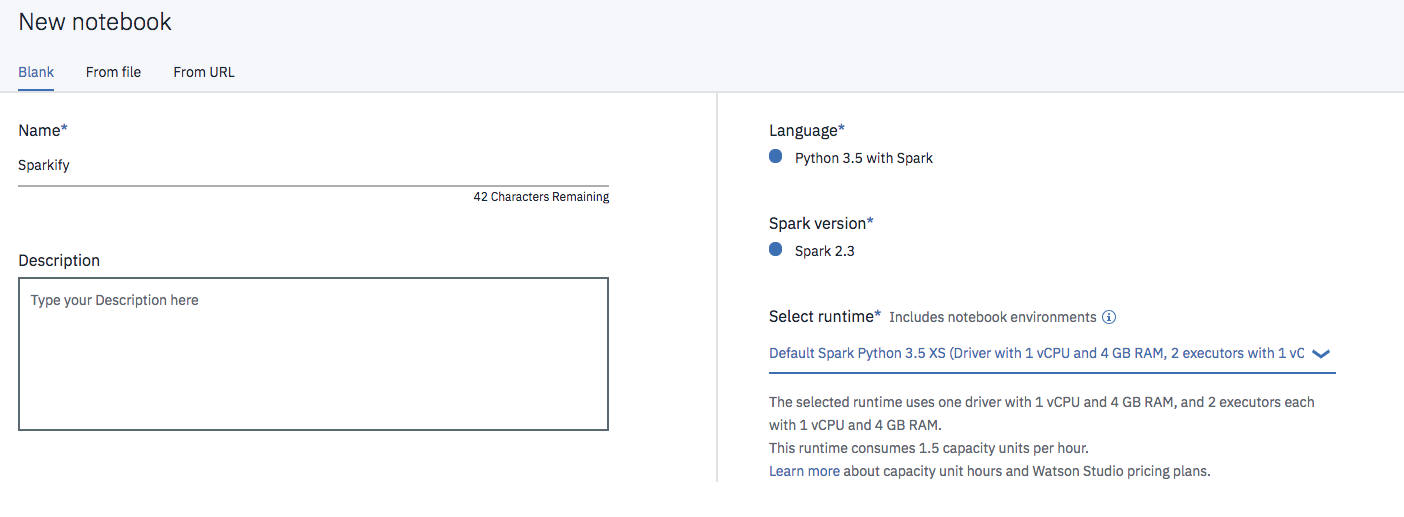
Enter a name for your notebook and select "Default Spark Python 3.5 XS" under runtime and click "Create Notebook" on the bottom right.
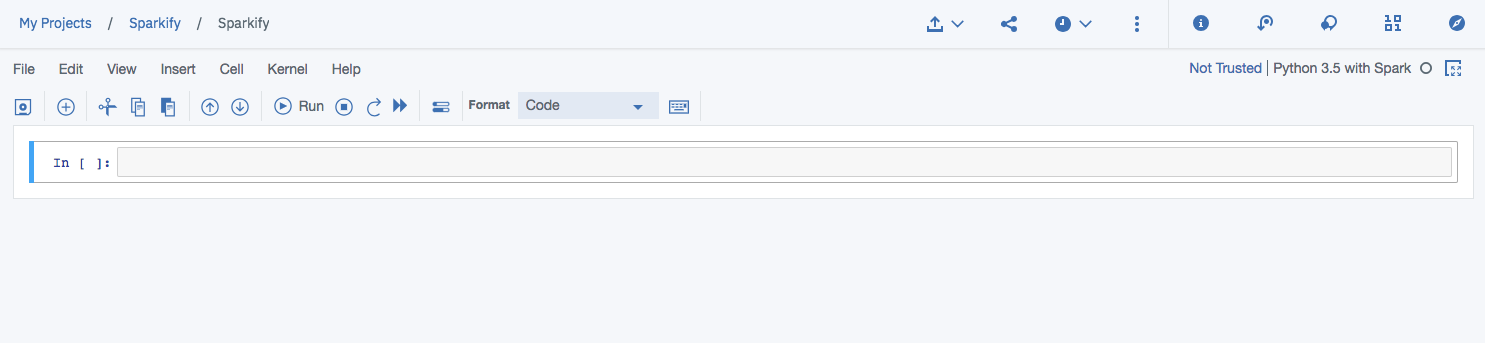
Start Coding!
Now you can run Spark code for your project in this notebook, which IBM will run on your cluster. In the next page, you'll find starter code to create a Spark session and read your uploaded dataset for the DSND Capstone project.